
For: IT administrator, ICT coordinator, IT support
IT administrator
Accounts, passwords and help requests, importing data and keeping the school’s systems running.
Your home screen
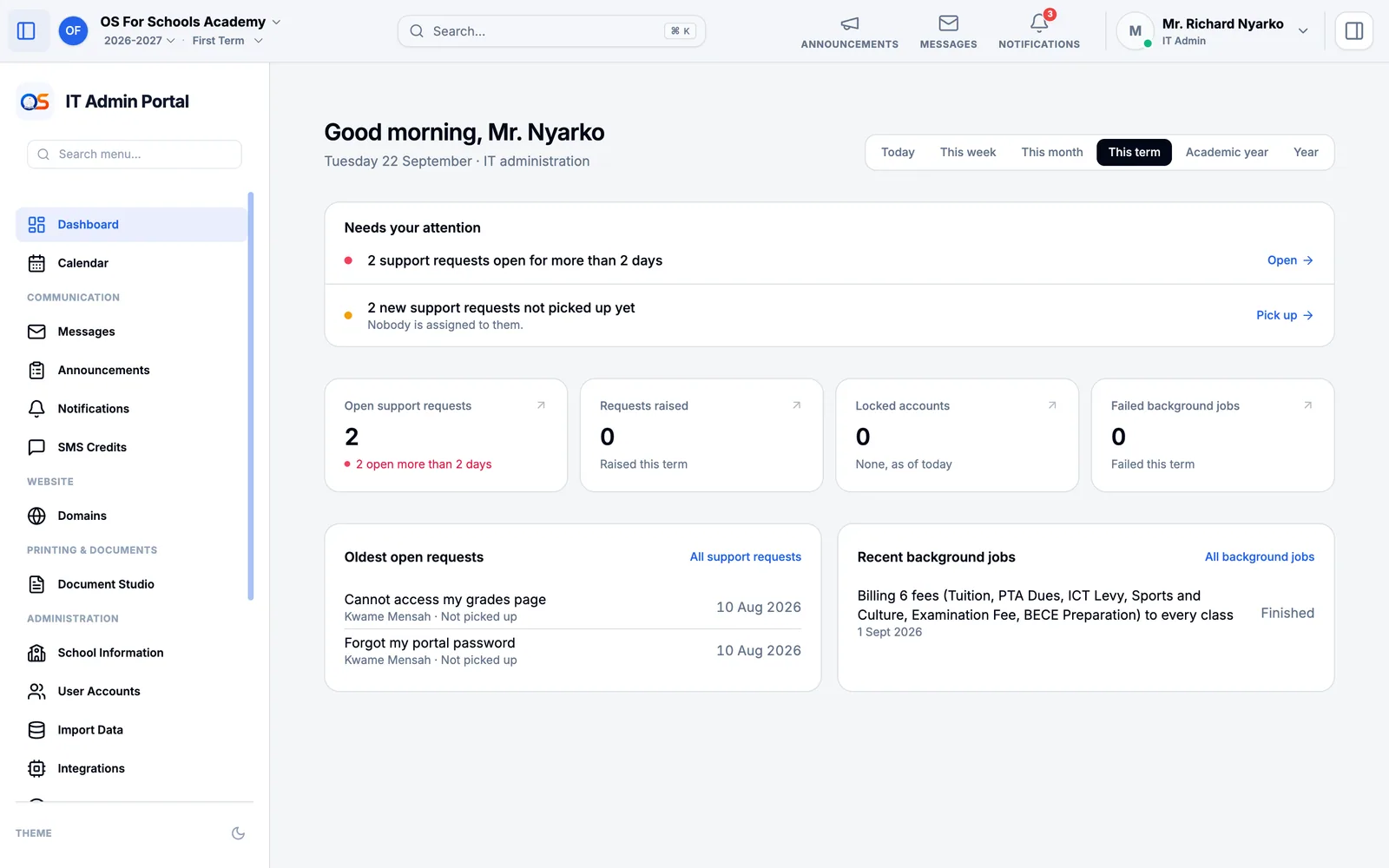
Your Dashboard opens with help requests waiting too long or not yet picked up, locked accounts and background jobs that failed. Press Open or Pick up to deal with one.
Accounts and passwords
Open User Accounts and find the person.
Reset their password: they get a temporary one to change the first time they sign in.
Unlock an account locked after too many wrong passwords, or change someone’s job — a teacher who becomes head of department, a new cashier.
Help requests
When someone at the school presses Ask for help in Help & Support, their request arrives in Support Requests. Pick it up so others know you have it, reply, and close it when it is solved. What you cannot solve, pass on to OS for Schools from the same page.
Importing data and keeping things running
- Import Data
- Bring in pupils, parents and staff from a spreadsheet. Download the template, fill it in, upload it: every row is checked before anything is saved.
- Integrations
- The services the school connects, such as its payment provider.
- Background Jobs
- Work the system does in the background — a term’s bills, a batch of report cards, SMS to parents — and whether each finished.
- Domains
- The school’s web address, and its own domain if it has one.