For: Parent, Guardian
Parent or guardian
Follow each child’s attendance, homework, results and fees, and talk to their teachers — from your phone.
Your first sign-in
The school sets up your account and sends you a link or a code by SMS or email. Open it, choose your own password, and you are in. Every child of yours at the school appears under the one account.
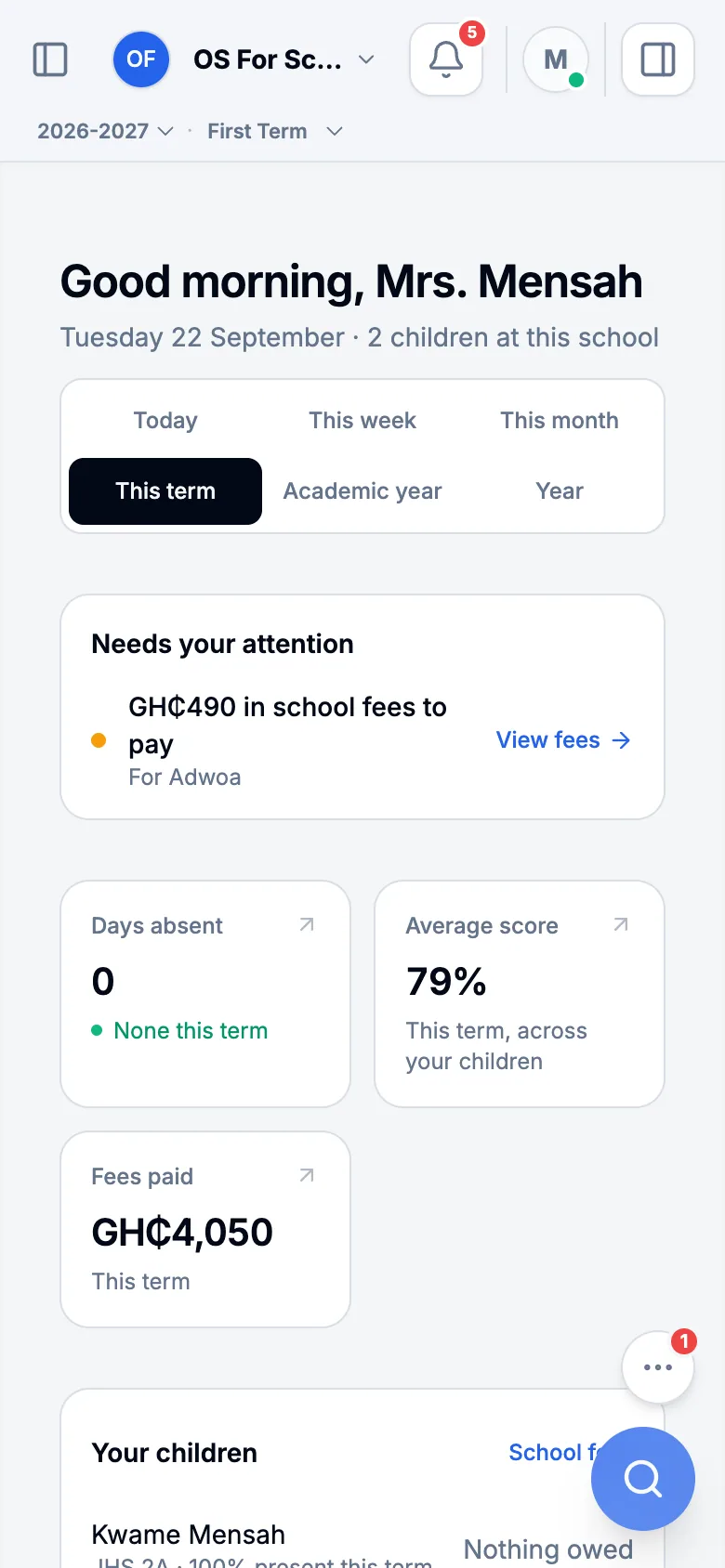
Your children at a glance
My Workspace shows each of your children: days absent this term, their average mark and what has been paid in fees. Press a child to see more.
Attendance
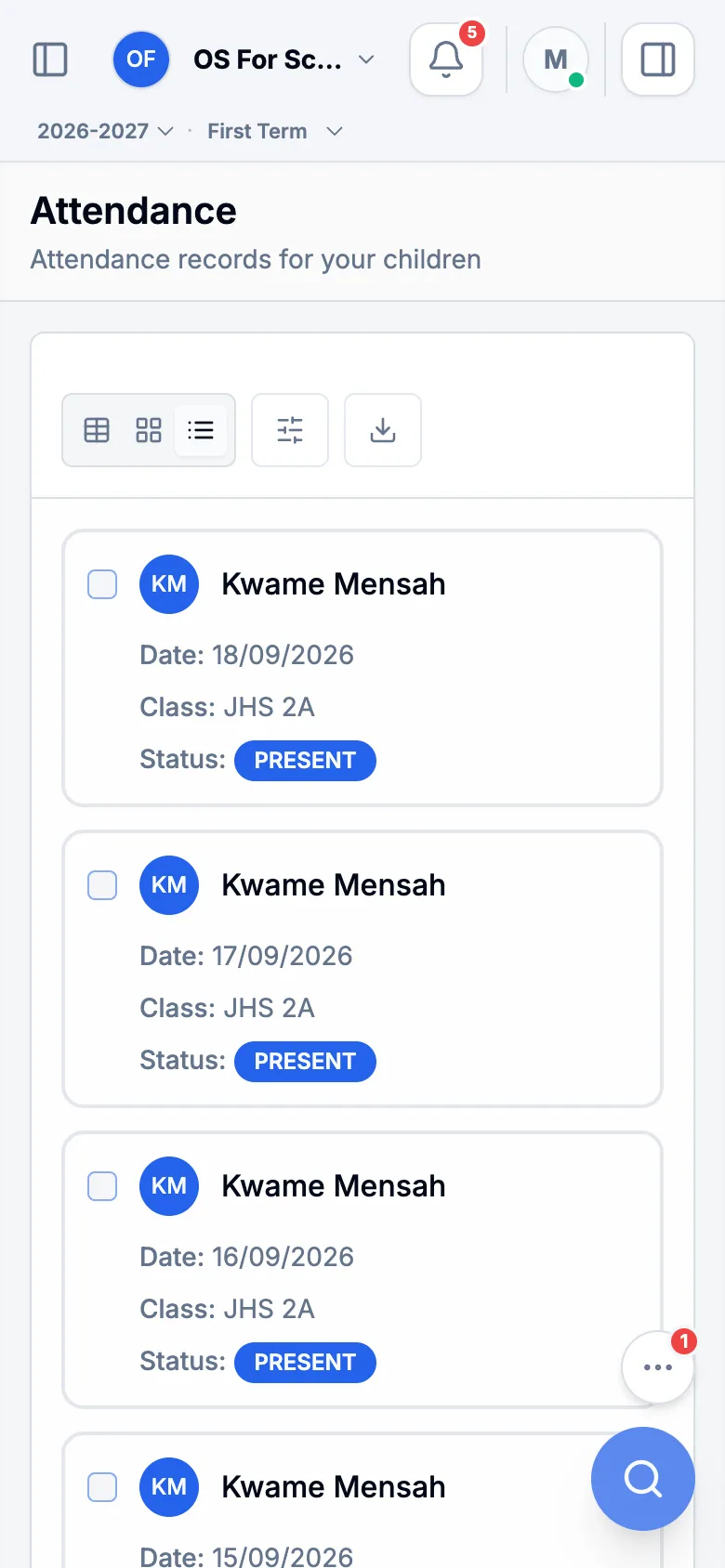
Open Attendance to see each school day marked present, late or absent, and the reason the school recorded for an absence.
Homework
Homework & Assignments lists the work each child has been set, when it is due, whether they have handed it in and the mark once it is marked.
Results and report cards
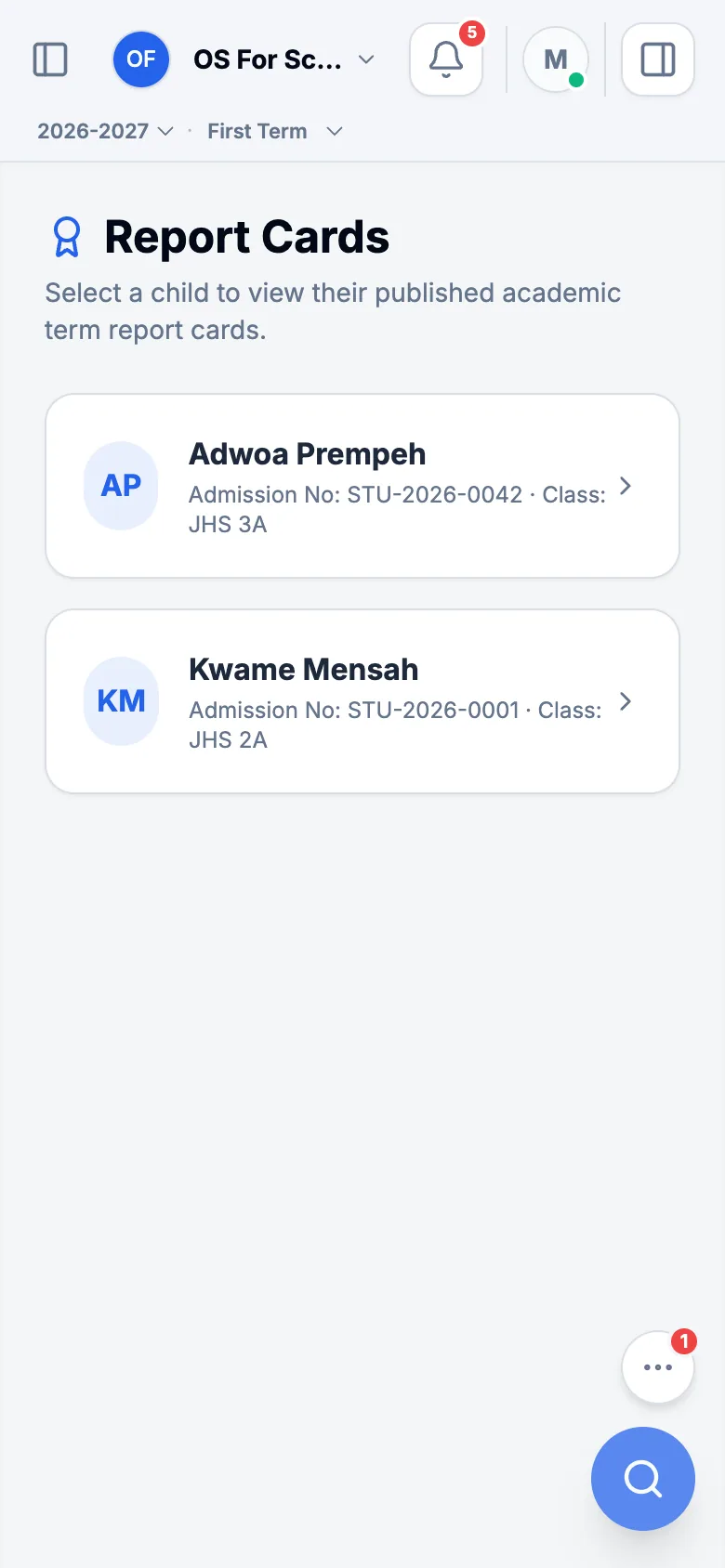
Open Results & Report Cards. On the last day of term your child’s report card comes here, exactly as it prints, and download it. The code on the card lets anyone check it is genuine.
School fees
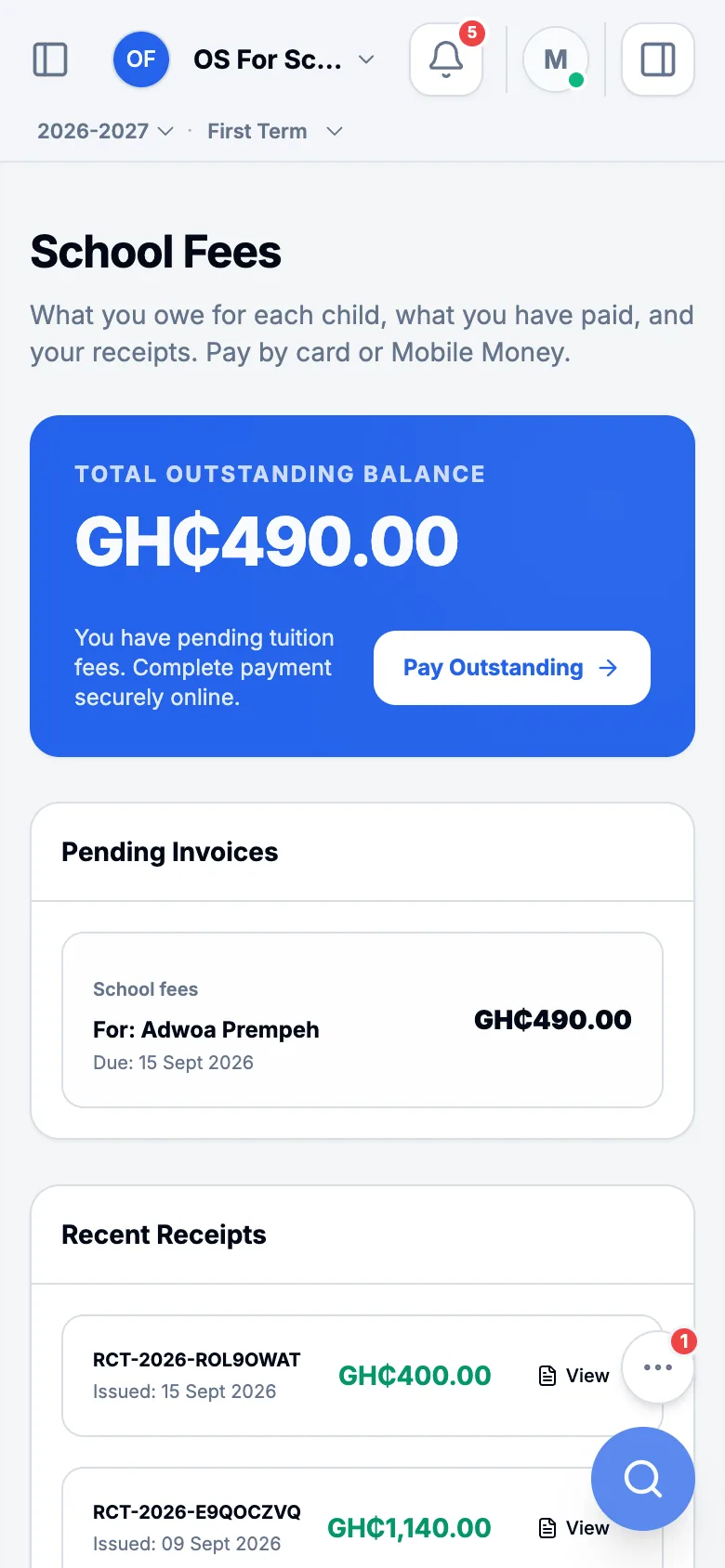
Open School Fees to see each child’s bill for the term, item by item, what you have paid, and what is still owed. Every payment has a receipt you can open and download.
Talk to the school
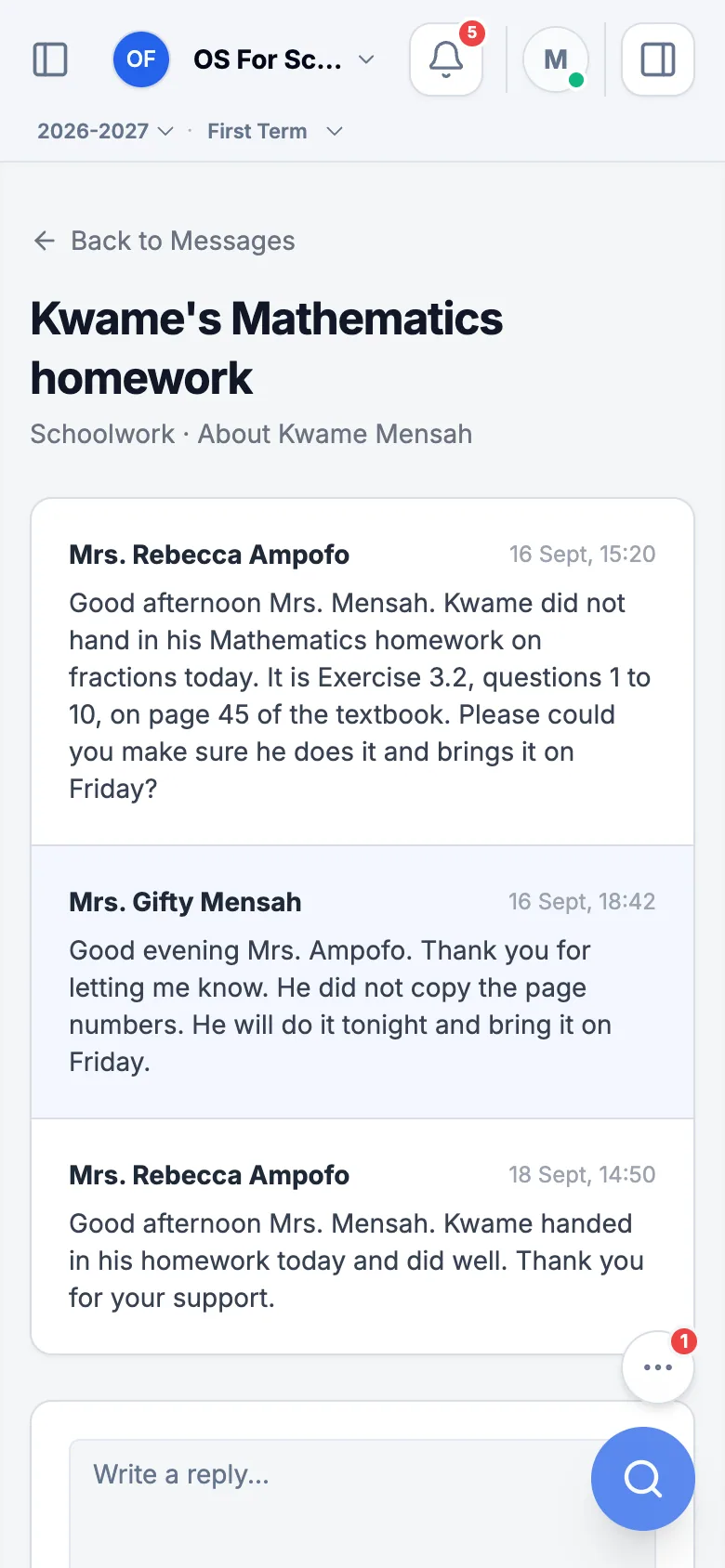
When your child’s teacher or the school office writes to you, you are told, and the conversation appears in Messages: open it to read it and reply. To raise something new, reply in a conversation you have with the teacher, or contact the school office. School announcements — meetings, holidays, reminders — appear on your home screen, and the School Calendar shows the dates.